Inkscape for Mac — Download 1.4.4 (Apple Silicon & Intel)
Inkscape for Mac is the free, open-source vector graphics editor that runs natively on macOS 10.13 and newer. Version 1.4.4 (released 6 May 2026) ships as two separate disk images — one for Apple Silicon and one for Intel — each about 100–150 MB, served straight from inkscape.org. No account, no trial, no “Pro” tier.
Mac download at a glance
- Version: 1.4.4, released 6 May 2026 — the current stable build.
- macOS: 10.13 (High Sierra) or later, on Apple Silicon or Intel.
- Two builds: ARM64
.dmgfor M-series chips, x86_64.dmgfor Intel Macs. - XQuartz: not required — that dependency ended with the old 0.9x line.
- Price: free under the GNU GPL; commercial use of your artwork is unrestricted.
- Source: both buttons here point at the project's own servers on inkscape.org.
Apple Silicon or Intel — pick the right DMG
macOS uses two different processor families, and Inkscape publishes a separate disk image for each. The Apple Silicon build is compiled for the ARM64 chips (M1, M2, M3, M4); the Intel build is compiled for the older x86_64 processors. Grabbing the wrong one either won't launch or will run through slow translation, so check first.
To tell which Mac you have, open the Apple menu in the top-left corner and choose About This Mac. If the Chip line reads Apple M1, M2, M3, or M4, you want the Apple Silicon (ARM64) build. If the Processor line names an Intel Core chip, take the Intel (x86_64) build. Every Mac sold since late 2020 is Apple Silicon; most machines from 2020 and earlier are Intel.
If you are genuinely unsure, the Apple Silicon build is the safe default for any Mac bought in the last few years. An ARM64 image installed on an Intel Mac simply won't run, so there is no risk of a half-working install — you would notice immediately and switch to the Intel image. There is no universal binary that covers both; you download one or the other.
Apple Silicon
Native ARM64 build for M1, M2, M3, and M4 Macs. This is the right choice for almost any recent machine.
macOS 10.13+ · ARM64
Get the ARM64 .dmg All buildsIntel
x86_64 build for Intel-based Macs made through 2020. Use this if About This Mac names an Intel processor.
macOS 10.13+ · x86_64
Get the Intel .dmg All builds| Build | Architecture | Chips | File |
|---|---|---|---|
| Apple Silicon | ARM64 | M1, M2, M3, M4 | dmg-arm64 |
| Intel | x86_64 | Intel Core (2020 and earlier) | dmg |
Install Inkscape on macOS
Installation is a drag-and-drop, the same for both builds. Once the disk image finishes downloading from inkscape.org:
- Open the downloaded
.dmgfile. A window shows the Inkscape icon next to an Applications shortcut. - Drag the Inkscape icon onto the Applications folder in that same window.
- Eject the disk image, then launch Inkscape from Applications or Launchpad.
- The first start takes a few extra seconds while Inkscape builds its font cache. That is normal and happens only once.
Gatekeeper says “unidentified developer”? On first launch macOS may refuse to open the app because it is not from the App Store. Don't drag it to the Trash. Instead, right-click (or Control-click) the Inkscape icon in Applications and choose Open, then confirm Open in the dialog. macOS remembers the choice, so every launch after that works with a normal double-click.
The XQuartz myth
Older guides tell Mac users to install XQuartz before Inkscape. That advice is out of date. It applied to the 0.9x series, which relied on the X11 windowing system. Since the 1.x line Inkscape is a native macOS application with its own interface, so XQuartz is not needed for 1.4.4. If you installed it only for an old Inkscape, you can leave it or remove it — the current build ignores it either way.
After you install
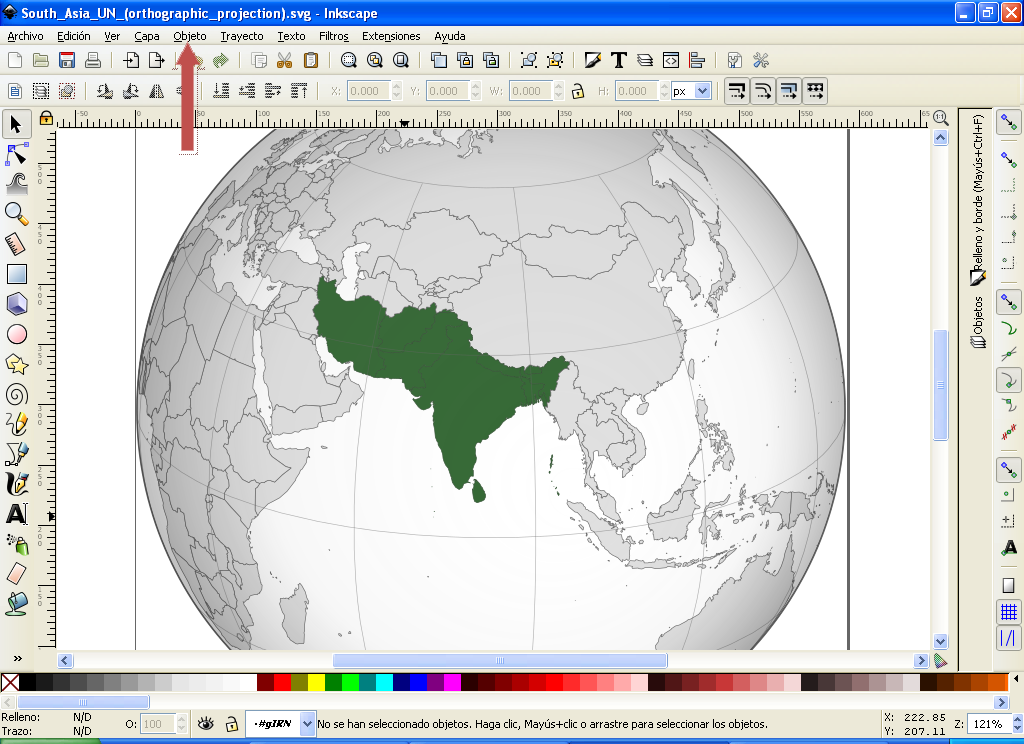
Inkscape works natively in SVG, so files stay editable and scale to any size without loss. From the same install you can draw and edit paths node by node, apply boolean operations to shapes, set text on a path, trace a bitmap into vectors, and export SVG, PDF, or PNG. New to it? These pages get you moving.
Features & what's new
The 1.4.4 changes and the vector tools you'll use most on macOS.
Tutorials
Crop an image, flatten text to paths, join nodes, round a single corner.
Is it really free?
How the GPL works and why commercial use of your artwork costs nothing.
Need a different platform? The same version is available as a Windows download and a Linux build, or start from the full download page. Both Mac disk images on this page come from the project itself — we host no installers. For the source, release notes, and everything else, visit the official Inkscape site.
Common questions
Which Inkscape for Mac download do I need?
On Apple Silicon (M1/M2/M3/M4) take the ARM64 DMG; on Intel Macs take the x86_64 DMG. Both are version 1.4.4 and run natively — no XQuartz.
Why does macOS say Inkscape is from an unidentified developer?
Gatekeeper shows this for apps outside the App Store. Open it the first time via right-click, Open, then confirm — the warning won't appear again.