
Inkscape Download Windows — Free 64-bit 1.4.4
Inkscape download for Windows is the free, open-source vector editor for Windows 10 and 11, 64-bit only. Version 1.4.4 (6 May 2026) ships in three forms — a standard .exe installer, an .msi for managed rollouts, and a portable .7z archive. Every file below comes straight from inkscape.org. There is no paid tier, no account, and no bundled extras.
Windows build at a glance
- Version: 1.4.4, released 6 May 2026 — the current stable build.
- System: Windows 10 or 11, 64-bit. The 1.3.x line and later dropped 32-bit.
- Formats: .exe (normal install), .msi (managed deployment), .7z (portable).
- Size: roughly 100–150 MB depending on format.
- Price: free under the GNU GPL — no trial, watermark, or "Pro" edition.
- Source: served by inkscape.org and media.inkscape.org. We host no installers.
Which Windows file to download
For a normal desktop, take the .exe. It runs a standard setup wizard, registers file associations, and adds Start-menu shortcuts. The .msi is the same program packaged for Group Policy and system-management tools — pick it only if an admin is deploying Inkscape across machines. The .7z is a portable copy: extract it and run, with nothing written to the registry.
| Format | Best for | Installs to |
|---|---|---|
| .exe | Most people, single PC | Program Files, with shortcuts |
| .msi | IT / managed fleets | Program Files, via GPO or SCCM |
| .7z | Portable / parallel versions | Any empty folder you choose |
Install the .exe in five steps
- Download inkscape-1.4.4 for 64-bit Windows with the .exe button above — the file comes from inkscape.org.
- Uninstall any previous Inkscape first. The project recommends removing the old version before updating to avoid mixed files.
- Double-click the downloaded .exe and accept the defaults, or change the install folder if you prefer.
- If a SmartScreen prompt appears, click More info then Run anyway — safe because the file came from the official server, not a third-party mirror.
- Launch Inkscape from the Start menu. First start takes a few seconds while it builds its font cache.
SmartScreen is a signature check, not a virus warning. Windows flags installers it has not seen often. As long as you downloaded from inkscape.org through the buttons here, the .exe is the genuine build — choose More info, then Run anyway. Never dismiss the warning for a copy grabbed from a random "free download" site.
Portable install with the 7z archive
The .7z is for running Inkscape without a system install, or for keeping several versions side by side. Windows cannot open .7z on its own, so use the free 7-Zip tool to unpack it. Extract into an empty folder — unpacking over existing files leaves a broken mix — then run inkscape.exe from the bin subfolder. Create your own shortcut if you want one; the portable copy adds none.
Full install guide
Every prompt on Windows, macOS, and Linux, start to finish.
Mac download
Apple Silicon and Intel DMG builds, plus the Gatekeeper step.
Linux download
AppImage, Flatpak, and Snap for any distribution.
System requirements
Inkscape 1.4.4 needs a 64-bit edition of Windows 10 or 11. Support has moved up over time: the 1.3.x releases require at least Windows 8.1, while Inkscape 1.2.2 down to 0.92.4 still ran on Windows 7. If you are stuck on Windows Vista or XP, 0.92.3 was the last build that supported them. A few hundred megabytes of free disk space and any GPU from the last decade are plenty.
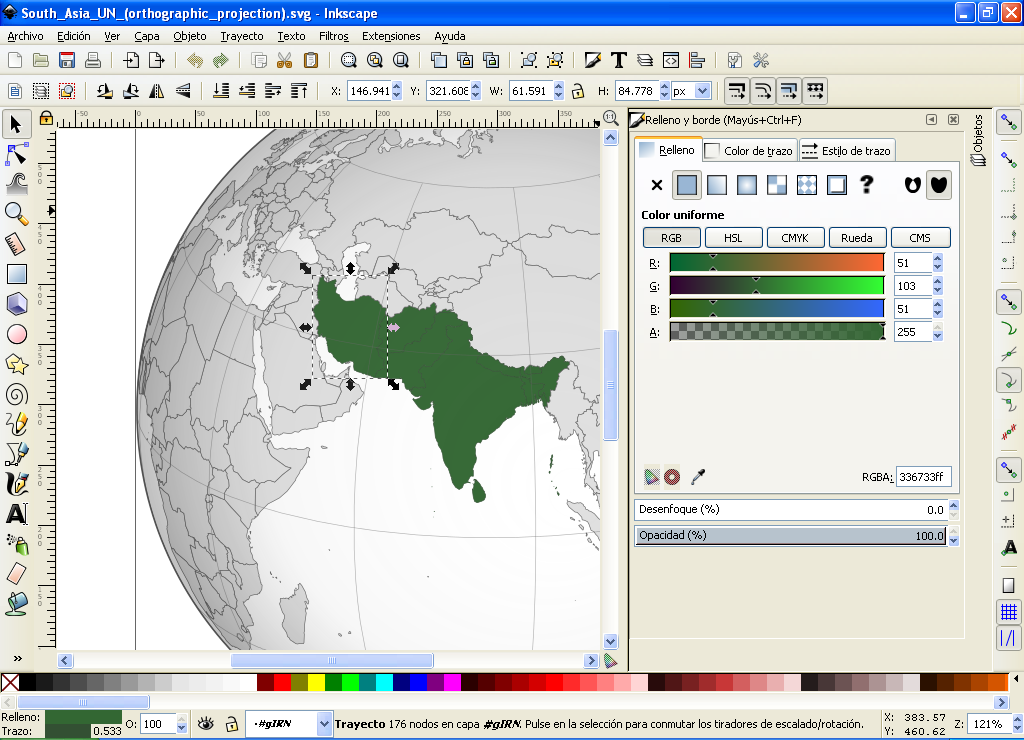
Once installed, open a new document or drop an SVG onto the canvas to start editing. For older releases or the other formats, the full download page lists every build, and the official project lives at inkscape.org.
Common questions
Does the Inkscape download work on Windows 11?
Yes. Inkscape 1.4.4 runs on Windows 10 and Windows 11 (64-bit). Use the EXE for a normal install, or the MSI for scripted/managed deployment.